A delivery arrives
Quantities are checked against the order. Stock has changed before anyone updates a record.
Usually handled in:
- Paper
CaterFlow
CaterFlow brings receiving, stock, production, food safety checks, and team tasks out of spreadsheets, paper, and messages — into one operating environment.
Already using CaterFlow? Log in
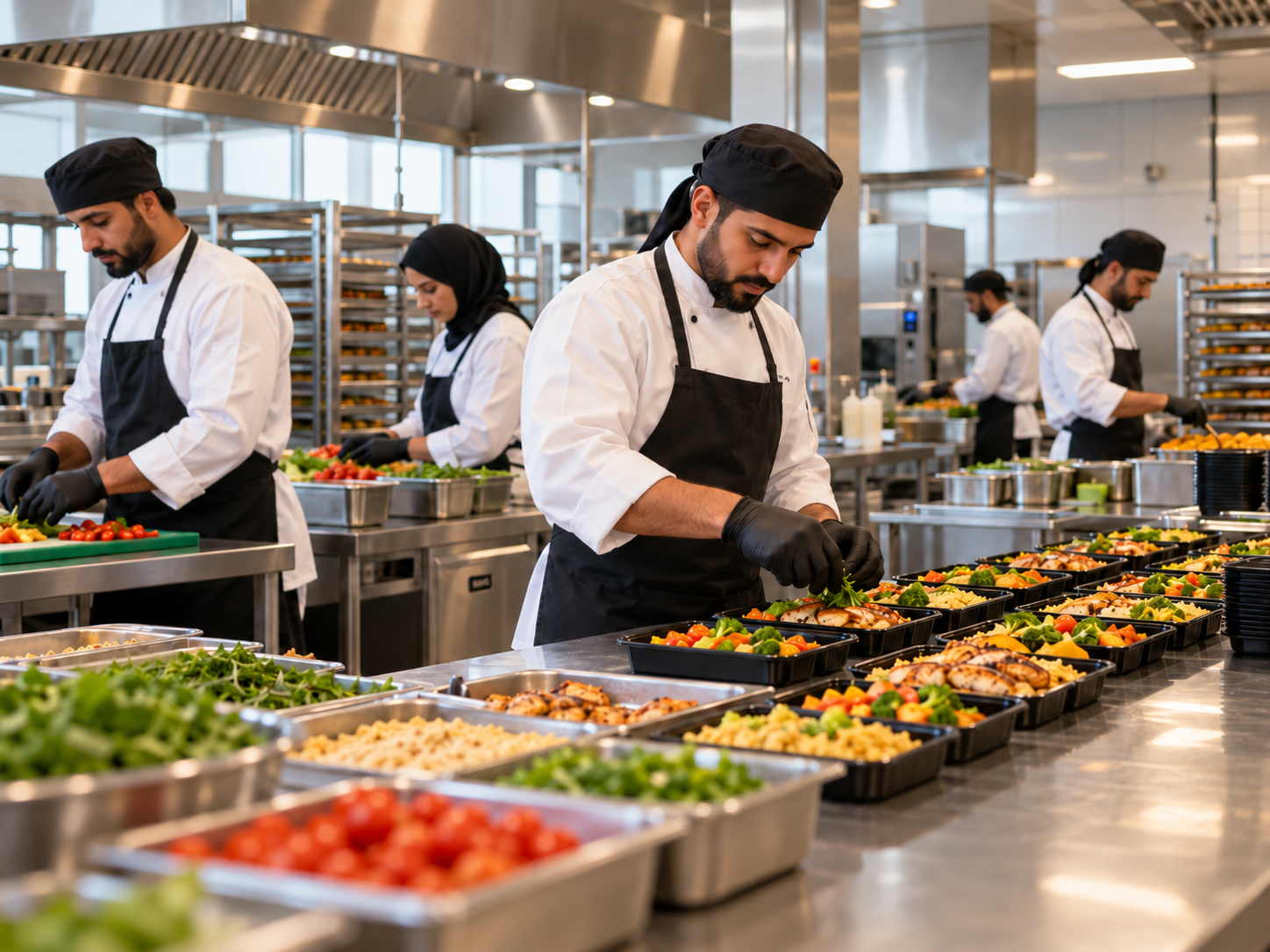
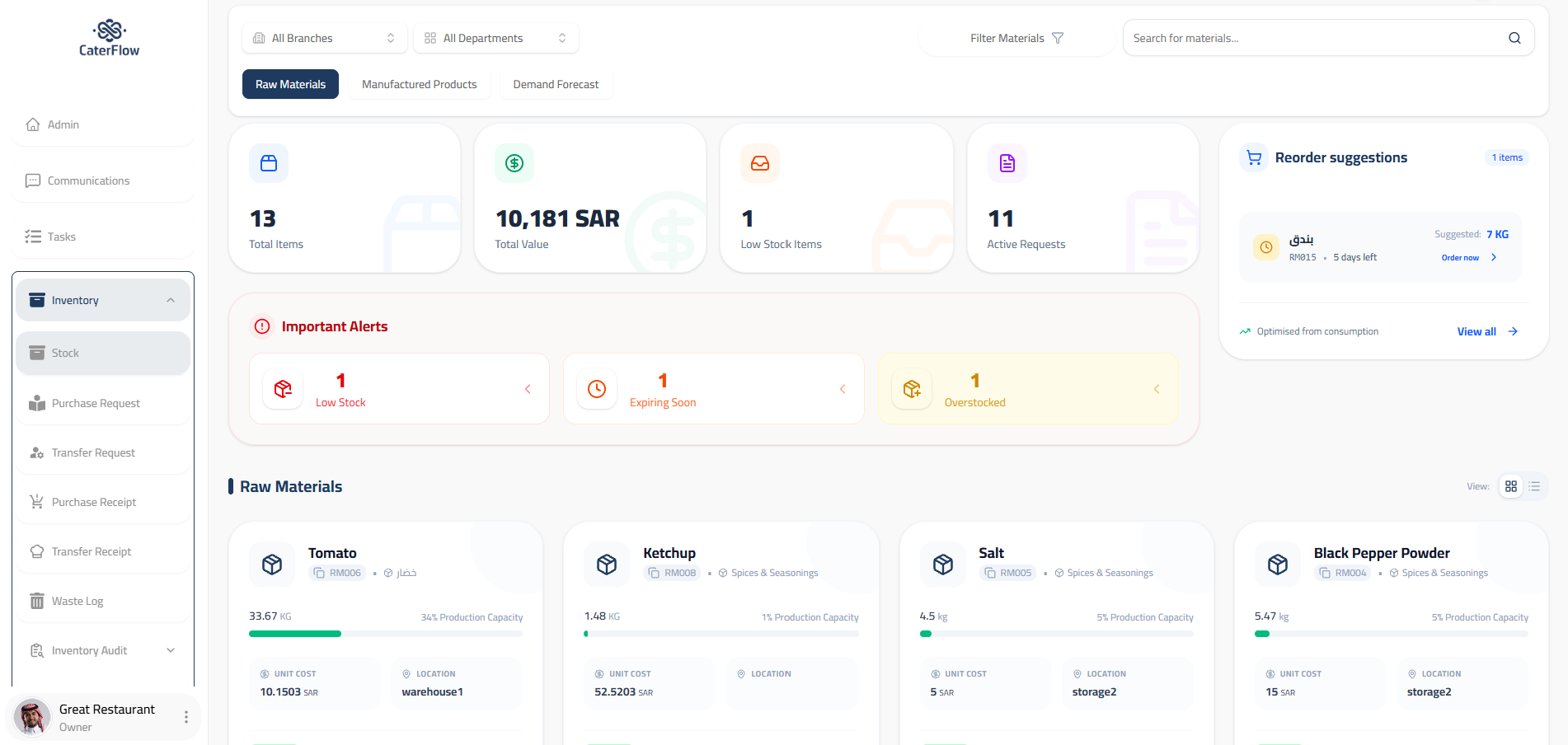
 Inventory · all branches
The reality
None of this is unusual. It happens every shift, in every kitchen, store, and location.
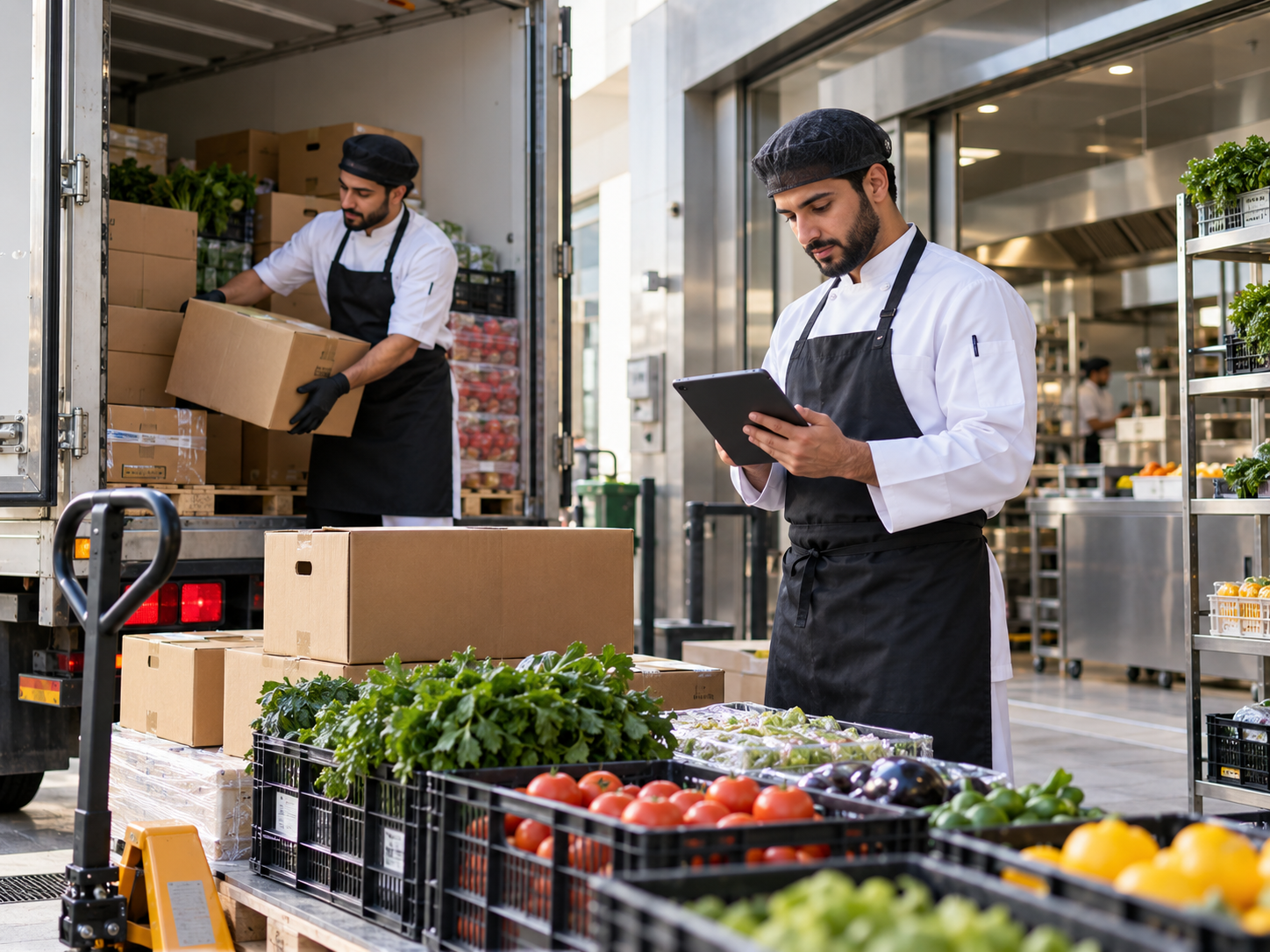
Quantities are checked against the order. Stock has changed before anyone updates a record.
Usually handled in:
Items go from storage to production or another site, and expiry dates keep counting down.
Usually handled in:
The kitchen produces from recipes kept in a binder or a file, using whatever is on the shelf.
Usually handled in:
Temperature and hygiene checks must be done on time. When one is missed, someone has to notice and follow up.
Usually handled in:
Work is assigned in person or by message and chased the same way. The procedure behind it is somewhere else.
Usually handled in:
Across locations, the answer arrives through calls, screenshots, and end-of-week reports.
Usually handled in:
The problem isn't a lack of tools. It's that the operation is still fragmented between them.
How CaterFlow works
Six stages every F&B operation runs daily. For each one: what happens, where it usually breaks, and what CaterFlow does with it.
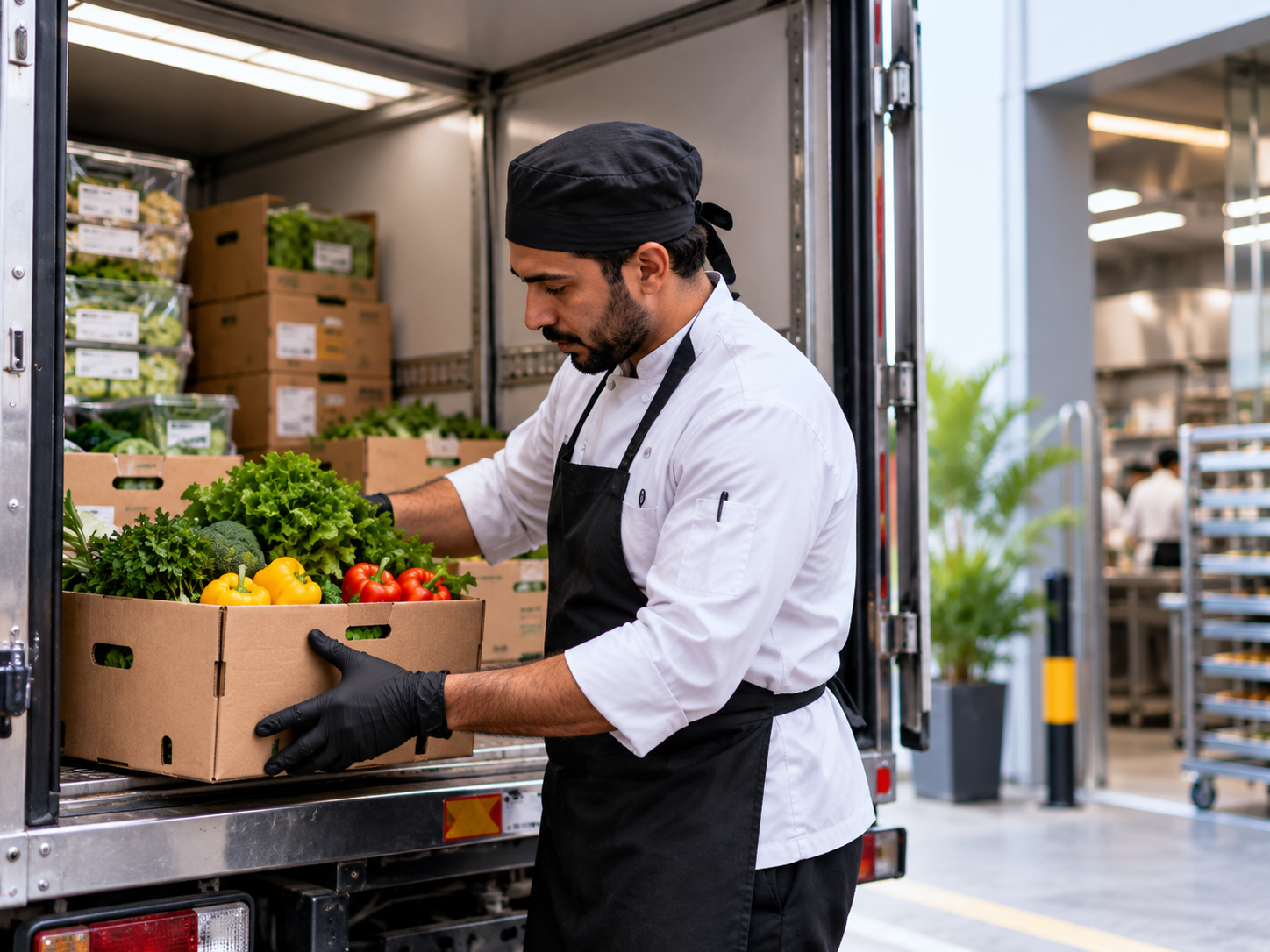
A delivery arrives and quantities are checked against what was ordered.
Items go into storage, move between locations, and start counting toward expiry.
The kitchen prepares batches from recipes, using what's in stock.
Hygiene, quality, and cooling checks are completed through the shift.
Supervisors assign work and teams follow procedures.
Managers need to know what is open, late, or at risk.
A delivery arrives and quantities are checked against what was ordered.
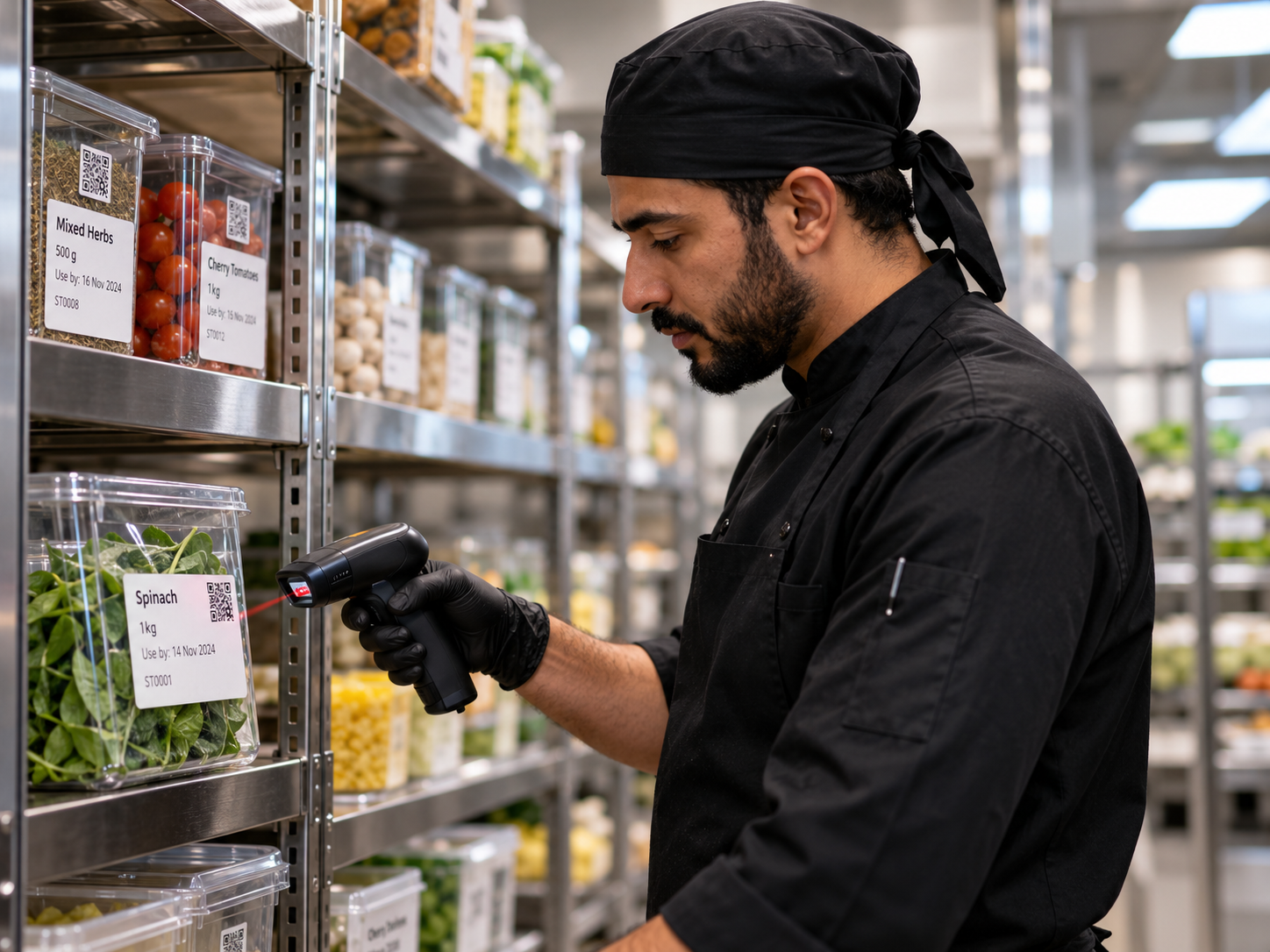
Items go into storage, move between locations, and start counting toward expiry.
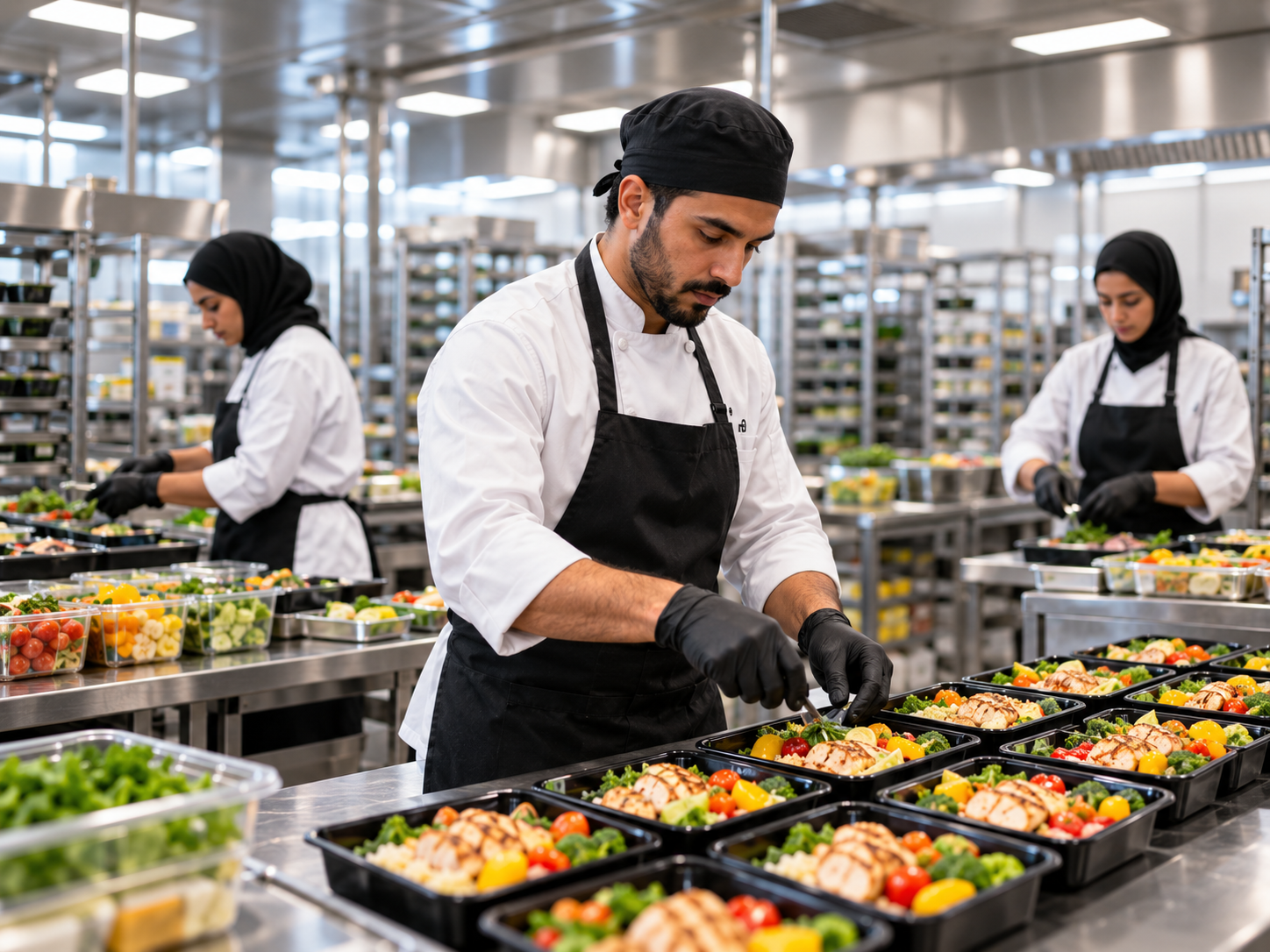
The kitchen prepares batches from recipes, using what's in stock.

Hygiene, quality, and cooling checks are completed through the shift.

Supervisors assign work and teams follow procedures.
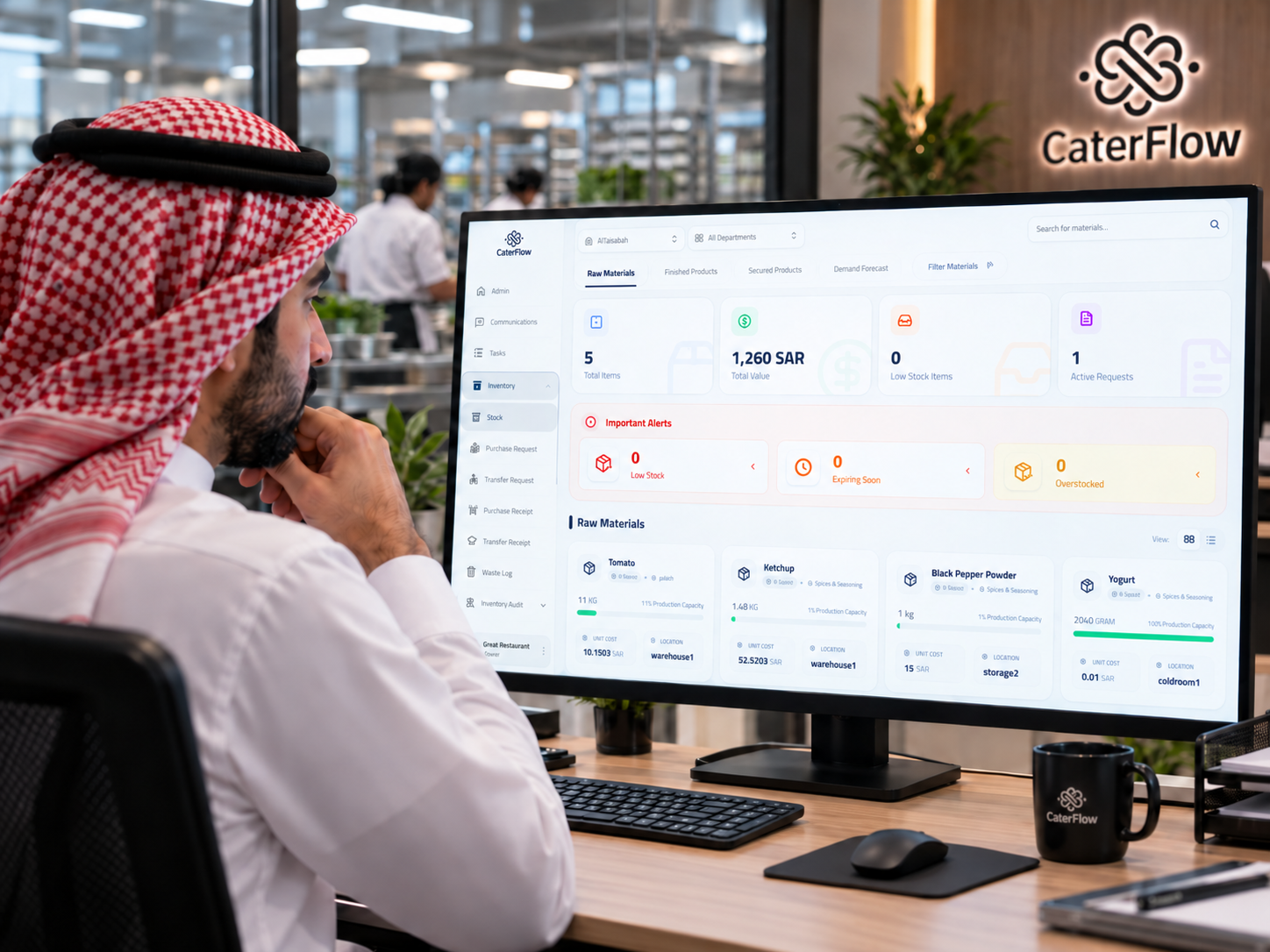
Managers need to know what is open, late, or at risk.
Each stage starts from the record the previous one created.
How CaterFlow changes the day
The same day looks different from the kitchen floor, the quality office, and head office.

Chefs, storekeepers, and shift staff doing the work.

The people responsible for standards across shifts and sites.
Owners and leadership overseeing the whole operation.
The platform
Every capability, grouped by the part of the operation it supports.
Tasks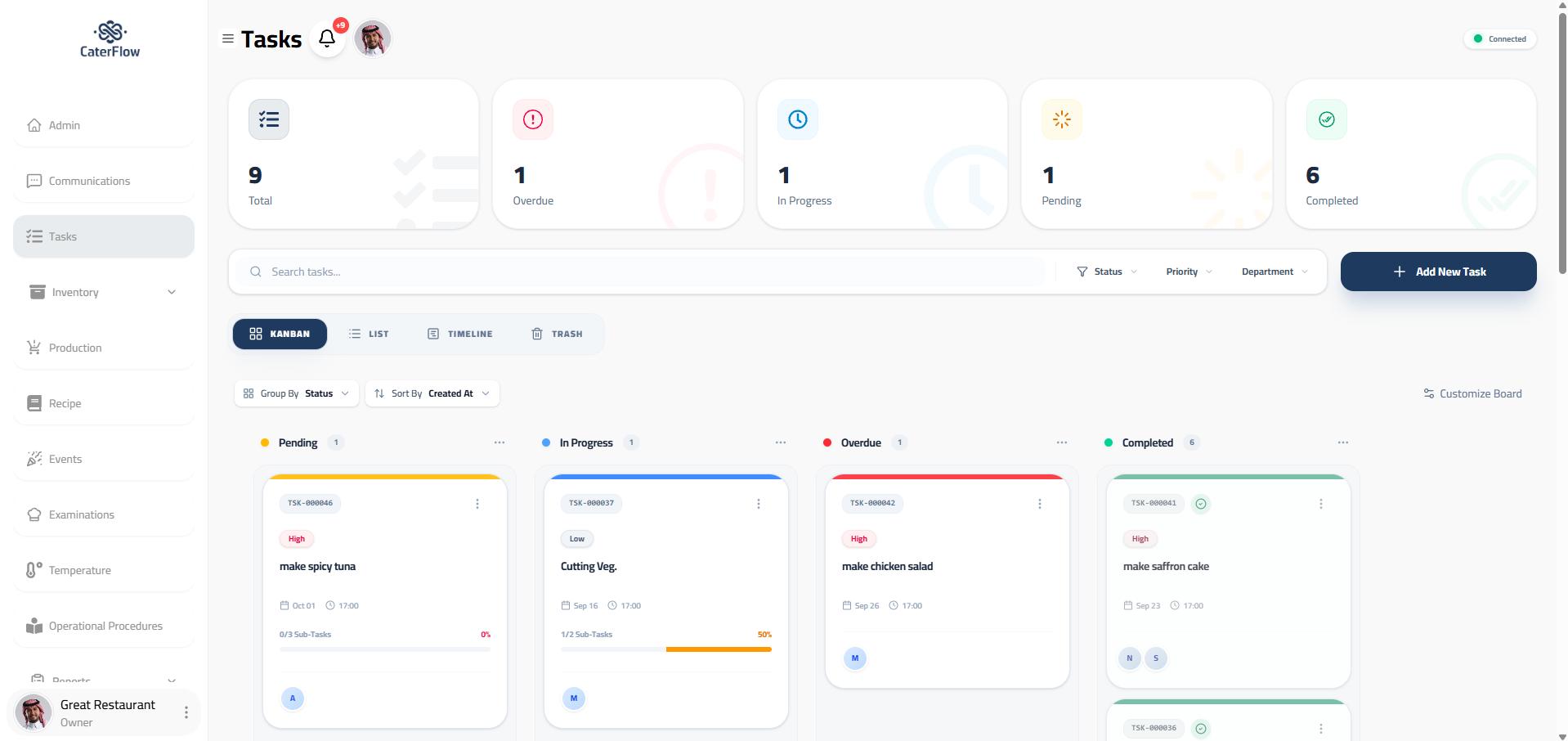
Assign work, talk to teams, and keep procedures at hand.
From purchase and receipt to transfers and expiry.
Batches recorded against recipes and stock.
Checks, cooling records, and the reports built on them.
See CaterFlow in action
Four everyday workflows, from the delivery door to the management review.
A delivery is received and stock updates in the right location.
Batches use recipes and stock, with staff, quantity, and expiry recorded.
Checks are completed, and corrective actions are assigned and followed to closure.
Managers review open work and stock for one location or all of them.
Inventory · single branch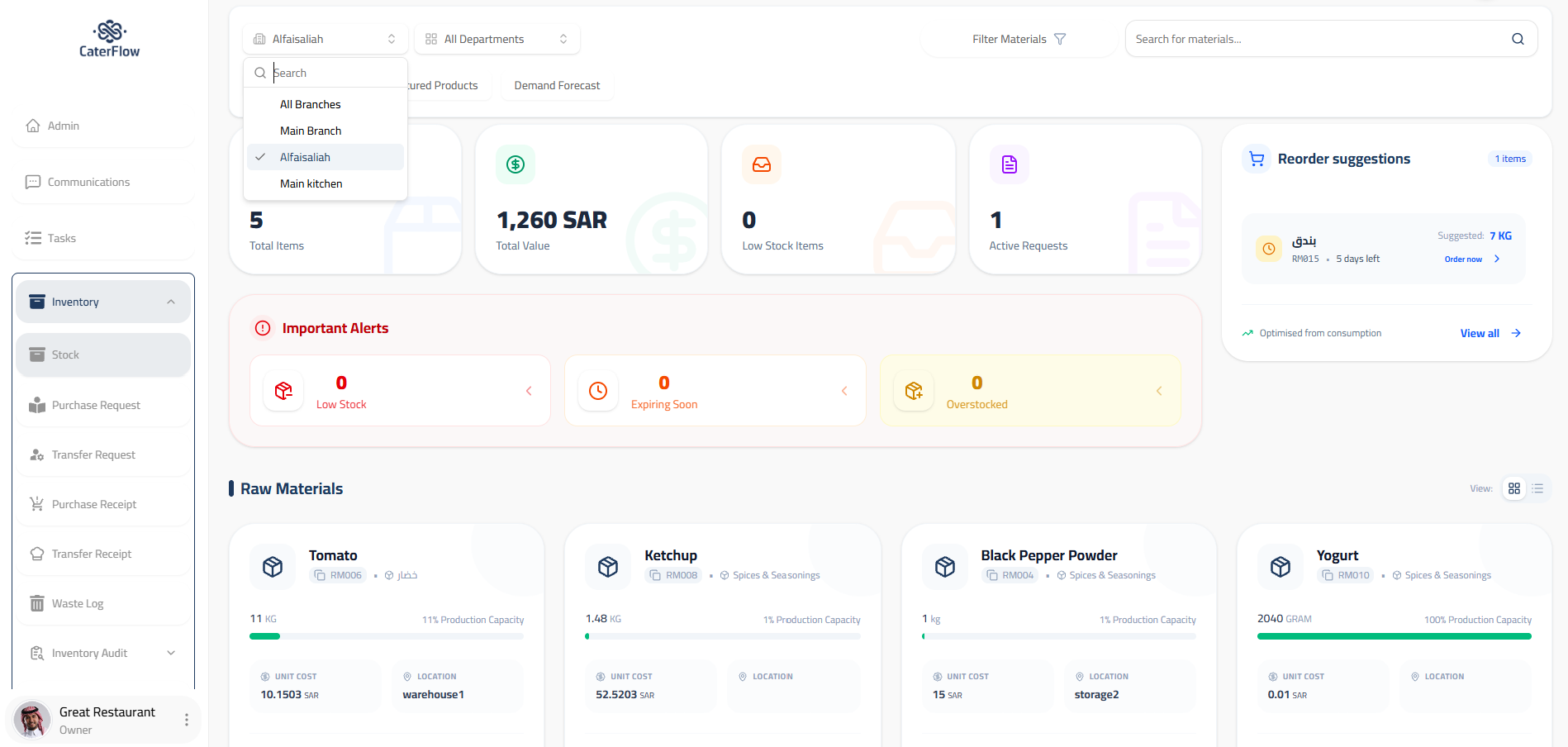 Inventory · single branch
A delivery is received and stock updates in the right location.
Reports · Recipes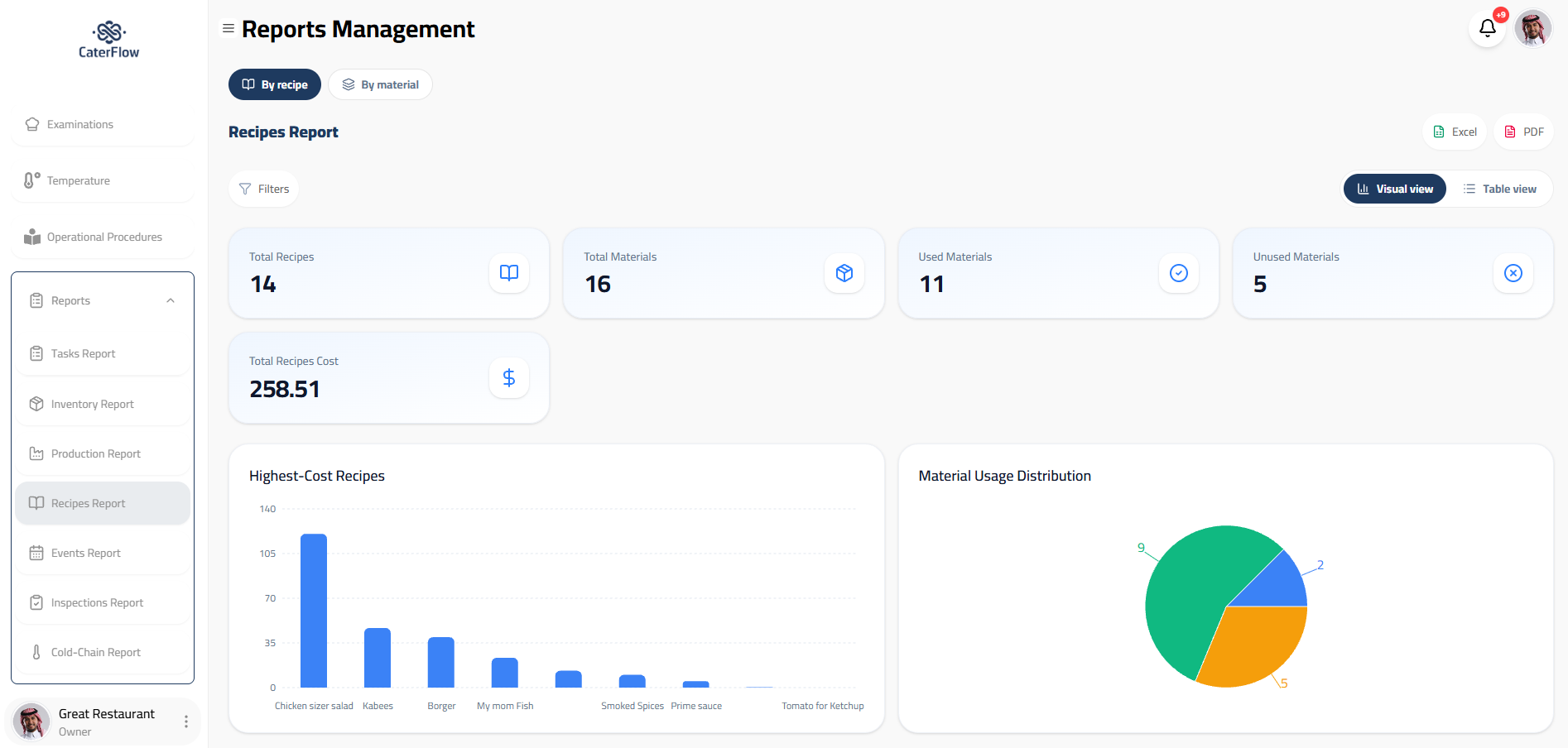
Batches use recipes and stock, with staff, quantity, and expiry recorded.
Examinations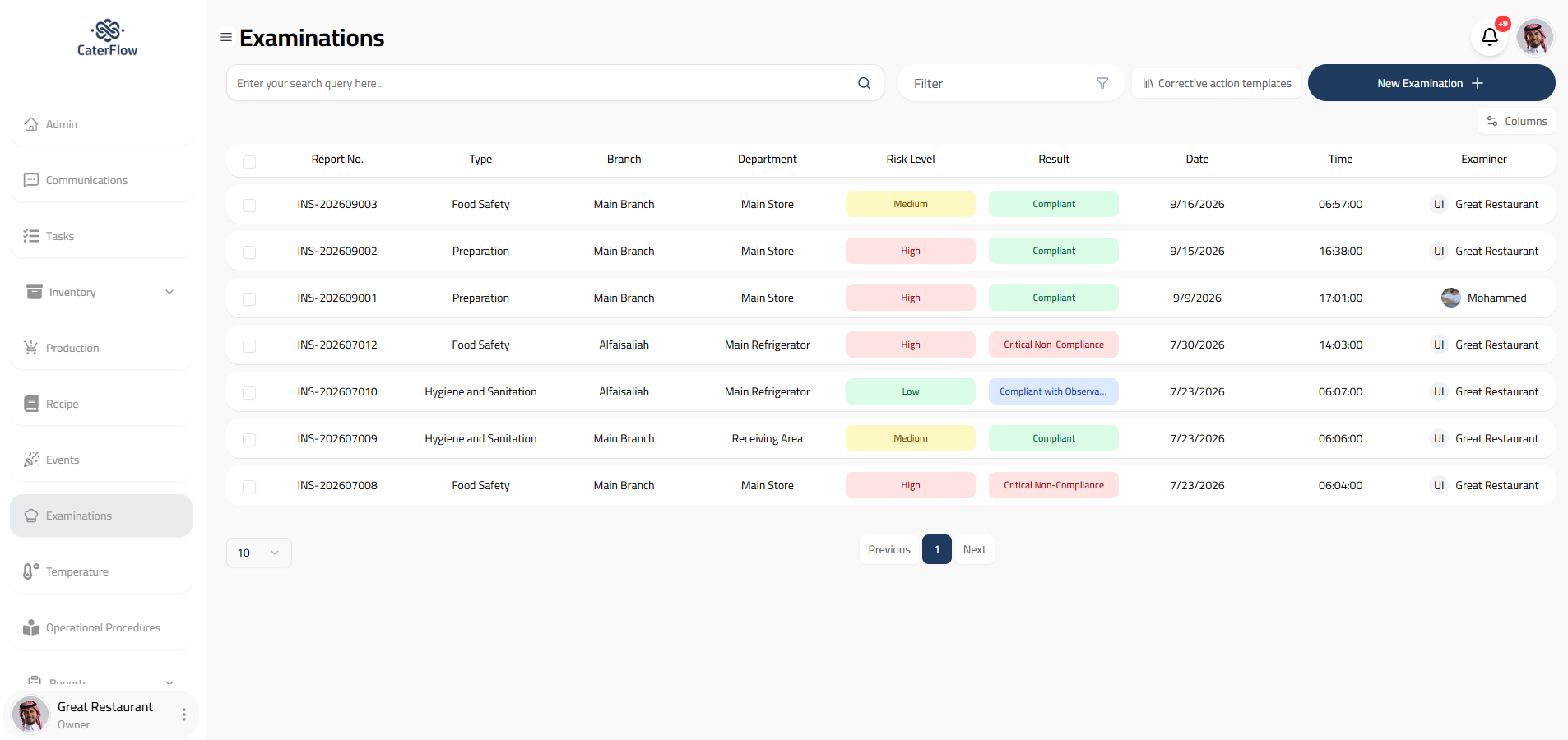 Tasks
Checks are completed, and corrective actions are assigned and followed to closure.
Inventory · all branchesManagers review open work and stock for one location or all of them.
See these workflows on your own operation in a guided demo.
Built for F&B operations
CaterFlow is designed for food businesses where many people, shifts, and sites handle the same food every day.
The same standards and daily tasks across every branch.
Production, recipes, and stock tied to the sites you supply.
Receiving, production, and food safety across kitchens.
Outlets, kitchens, stores, and hygiene teams working from one record.
One way of working across every location and department.
Every system in your stack has its job. CaterFlow covers the daily F&B work that falls between them.
POS
Sales and transactions
ERP
Finance and enterprise resources
Point solutions
Individual workflows
CaterFlow
Daily F&B operational execution
CaterFlow works alongside your POS and ERP rather than replacing them.
Plans
Packages are organized by capability. Contact us for pricing for your operation.
Daily operations, inventory, and procedures in one place.
Adds production, recipes, expiry, and traceability.
Everything in Basic, plus:
Adds inspections, cooling safety, and full reporting.
Everything in Gold, plus:
Configured around your operation's specific requirements.
Everything in Diamond, plus:
Rollout scope is agreed with your team during the demo and onboarding.
FAQ
No. Inventory Management is one capability. CaterFlow also covers tasks, communication, production, recipes, inspections, cooling safety, SOPs, and reporting.
Book a Demo
Tell us about your operation and we will schedule a focused walkthrough of CaterFlow.